CRT for Aseprite
A downloadable tool for Windows
Features
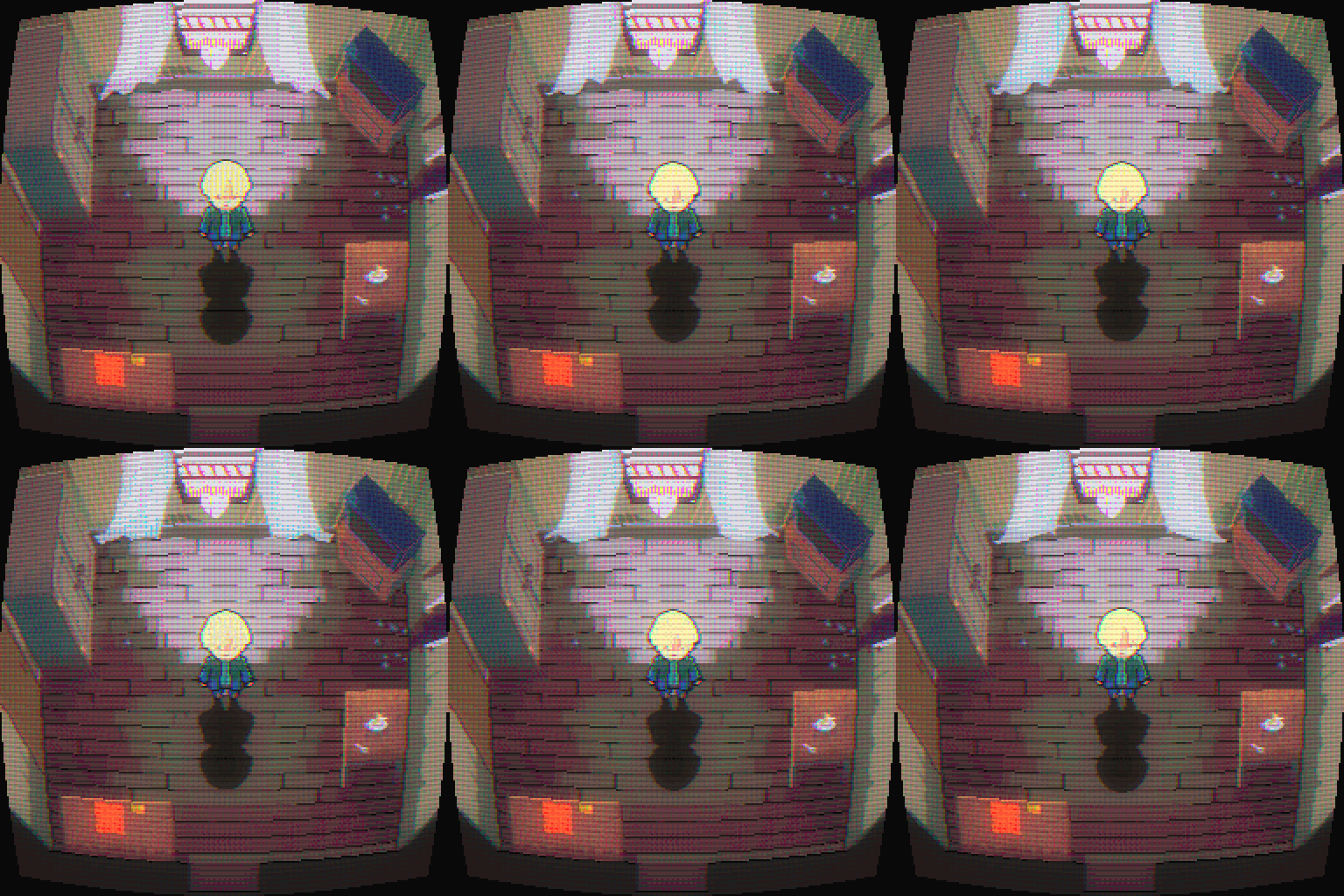
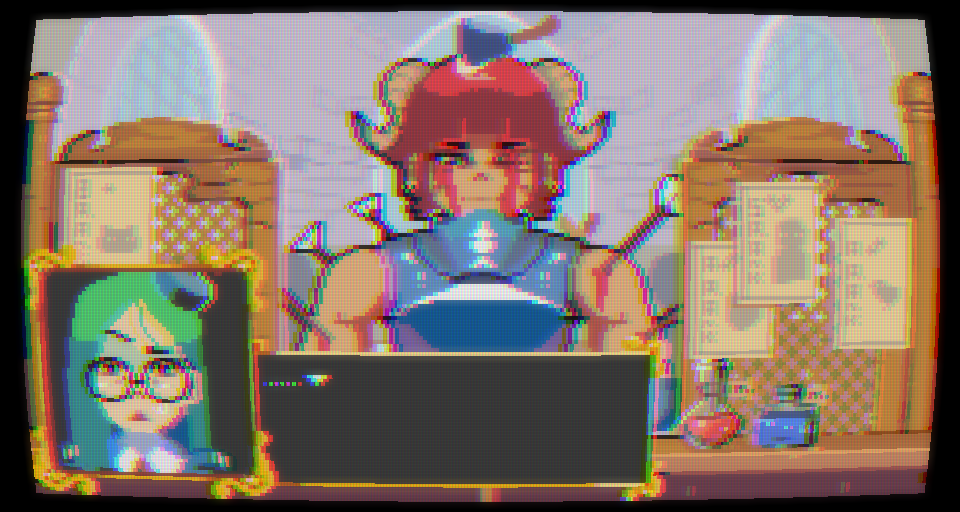
- Live preview in the Aseprite canvas. Move a slider and watch your sprite change as you go.
- 19 built-in presets. Trinitron, Arcade Cabinet, Composite TV, VHS Tape, Security Cam, Neon Glow and more.
- Full control. Tweak every effect yourself:
- Scanlines (strength and spacing)
- RGB phosphor mask
- Screen curvature
- Vignette
- Glow / bloom
- Color fringing (chromatic aberration)
- Noise
- Brightness
- Non-destructive. The result goes on its own new layer, and you can optionally hide your original layers.
- Current frame or all frames. Filter a single frame or a whole animation.
- Undo-friendly. Applying the filter is a single undo step.
Installation
- Download
crt-filter.aseprite-extension. - Double-click the file, or go to Edit > Preferences > Extensions > Add Extension.
- Restart Aseprite if prompted.
- Open a sprite and choose Edit > FX > CRT Filter...
Purchase
In order to download this tool you must purchase it at or above the minimum price of $4 USD. You will get access to the following files:
Comments
Log in with itch.io to leave a comment.
★★★☆☆ (Purchased and confirming this works on macOS (unsurprisingly, but thought it was worth mentioning for any Mac users who might be reluctant). It was easy to install and use, so long as you're using presets. I generally like it, but feel like maybe I'm missing something or need more guidance, or maybe this is an old build, but either way I'm not getting quite the experience nor results I was hoping for.
I only have access to 3 presets, not the advertised 19. I don't think that matters for my use case, but anyone purchasing with those in mind should know this. I can imagine this is an unintentional omission that could get updated.
I expected different results, but I may not actually know what CRT is meant to look like (despite growing up with them, ha ha). And maybe the script is expecting certain canvas dimensions? Also I didn't notice a live preview as advertised during my use, nor could I find a means of enabling it. Anyway, no matter what settings I use, I can't seem to get the horizontal line effect I expect (which I know a proper CRT is much more than horizontal lines, but all the same). If anything I seem to have more success generating a vertical line appearance.
Test shots:
UI: